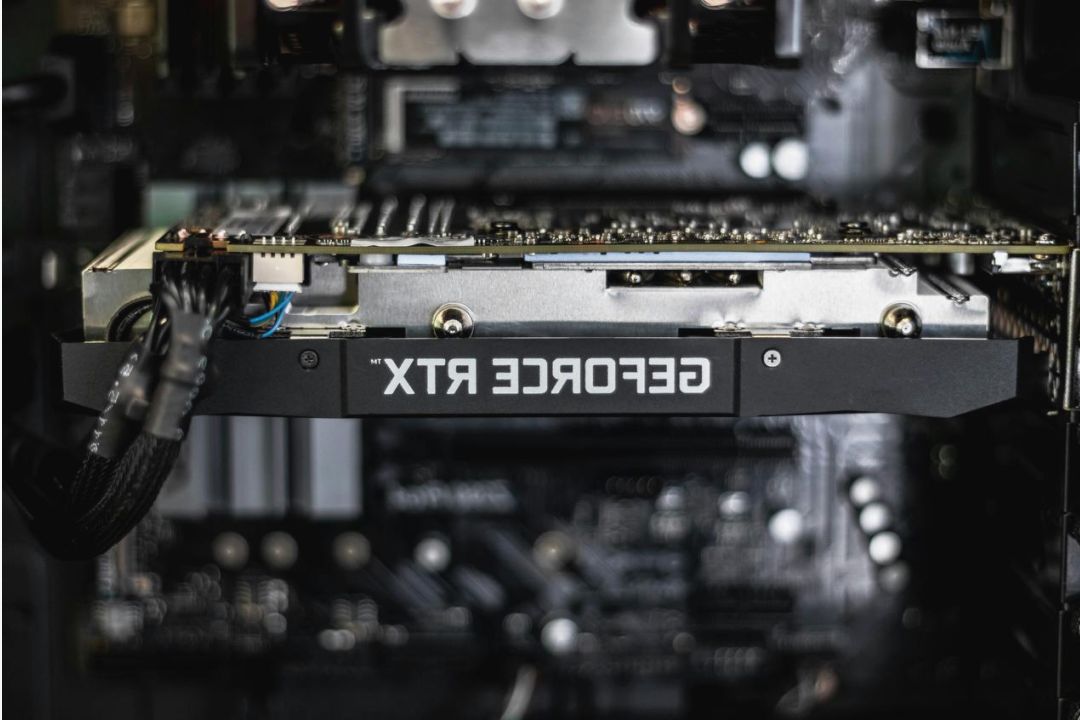
Parental guide — Safe gaming for kids in LKA
Practical steps for parents to keep gaming fun, age-appropriate, and secure — tips adapted for Sri Lanka.
Why a parental guide?
Digital entertainment offers many free demos and safe titles. This guide helps parents choose age-appropriate content, set limits, and evaluate platforms used by children in Sri Lanka.
- Understand rating indicators and content descriptors.
- Use built-in parental controls on devices and platforms.
- Encourage balanced screen time and positive gameplay habits.
Understanding age ratings
Look for simple rating markers and content notes (violence level, language, in-app interactions). Ratings vary by region, so prefer titles clearly labeled for younger audiences.
Learn more
Try demos first
Free demos and short trials help parents preview mechanics and social features before approving extended use.
Explore demos
Choosing platforms
Prefer platforms with robust settings for privacy, communication limits, and local language support.
Top reviewsParental controls & device tips
- Set screen-time limits on consoles, mobile, and PCs.
- Disable voice/text chat for younger players or restrict to friends only.
- Create separate child accounts with age limits and content filters.
- Keep software and privacy settings updated.
If you're unsure how to configure a device, contact us for guidance specific to your device model.

Top practical tips
Occasional co-play helps you see in-game interactions and discuss choices with your child.
Agree on play times, acceptable content, and how to report uncomfortable situations.
Do not share personal details in profiles and disable public friend finding where possible.
Encourage offline hobbies and set tech-free times like during meals and before bed.

Frequently asked questions
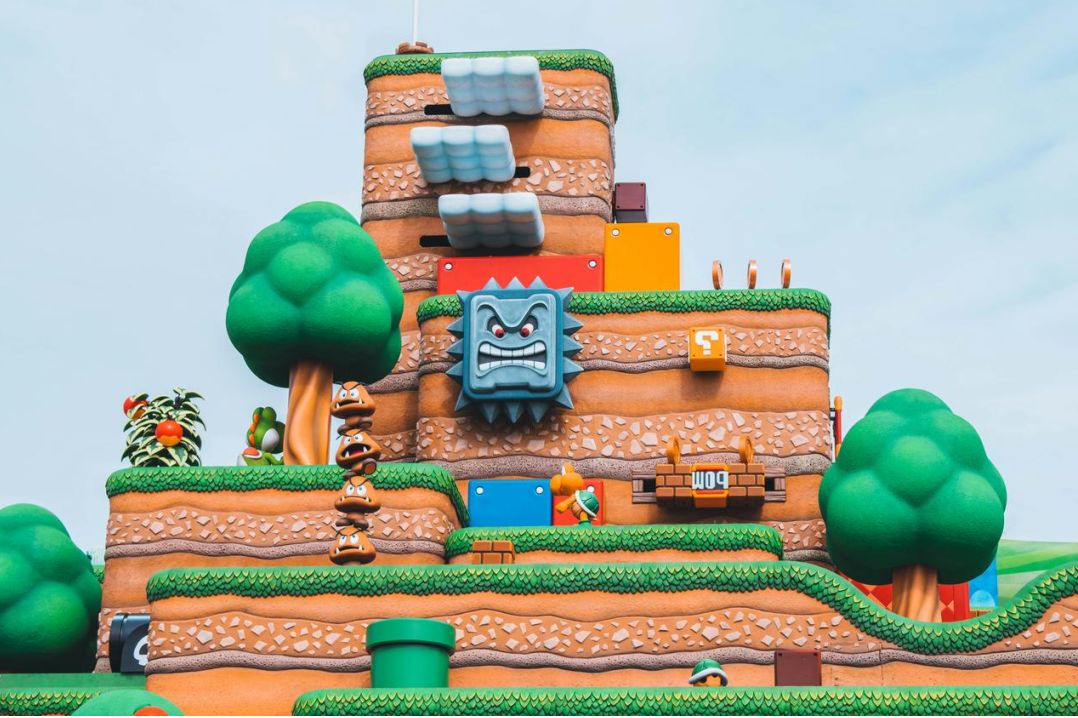
Visual guide


Need tailored advice?
If you want specific device settings or platform checks, reach out and we’ll guide you step-by-step.